
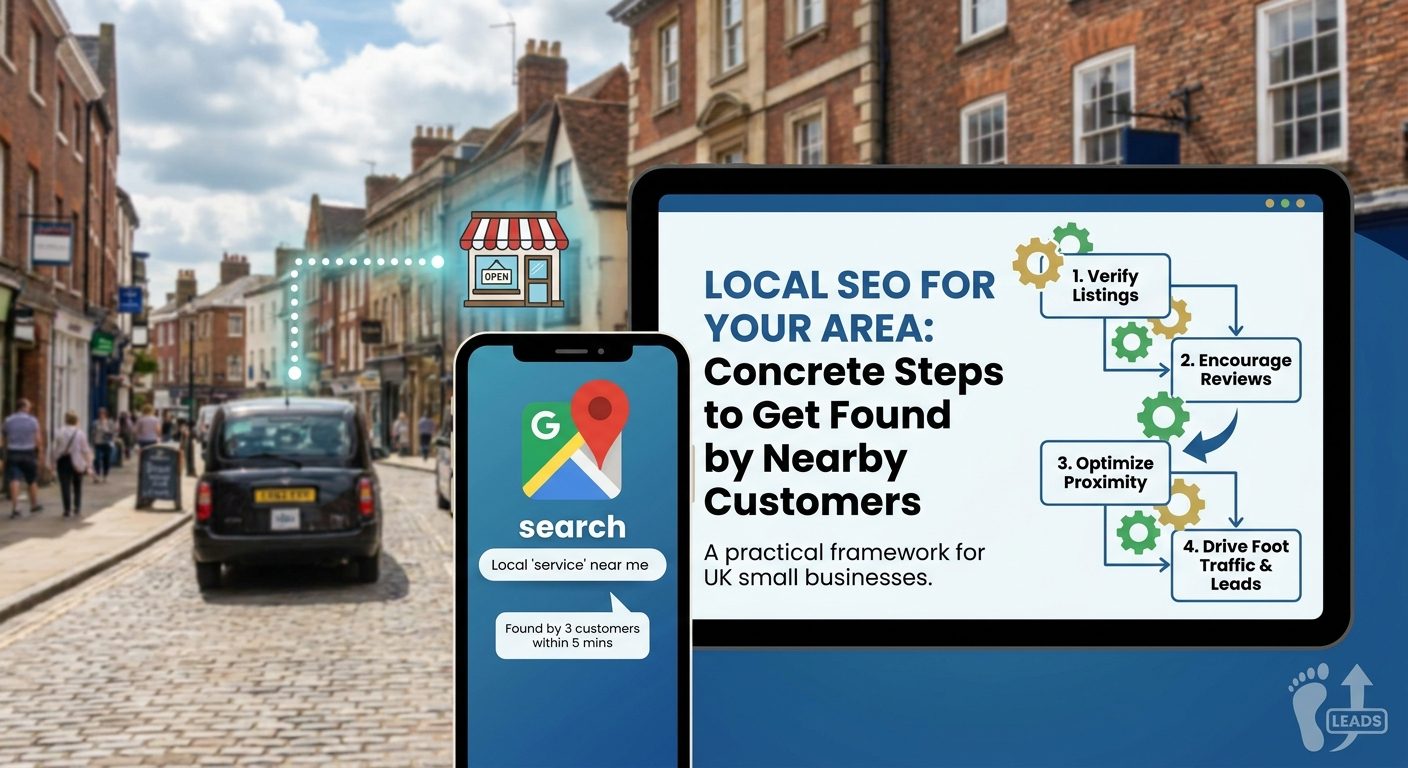
A plumber in Worthing who ranks on the first page for 'emergency plumber Worthing' is competing with maybe a dozen local businesses. The same plumber trying to rank for 'best plumber UK' is competing with tens of thousands. That gap in competition is one of the most overlooked opportunities in small business marketing, and it is available to every trade, shop, and service provider in the country right now.
Local SEO is not a complicated technical discipline reserved for big companies with dedicated marketing teams. It is a set of concrete, repeatable actions that any UK business owner can take, most of them free, to make sure the customers closest to them can actually find them online. This guide lays out that framework step by step.
Why Nearby Customers Are the Most Valuable Ones You Are Missing
Roughly 46% of all Google searches carry local intent. That means nearly half the people searching on Google at any given moment are looking for something near them, not just information in the abstract. They want a dentist, a carpet fitter, a café, a van hire company, and they want one close enough to be useful today.
The growth behind those searches is striking. According to Google's own data, 'near me' searches grew by over 500% in five years. That is not a gradual trend. That is a fundamental shift in how people find businesses, driven by smartphones becoming the default way most people search. If your business is not set up to appear in those results, you are absent from one of the most commercially active moments in a potential customer's day.
What makes local intent searches particularly valuable is the speed at which they convert. Someone typing 'emergency plumber Worthing' at 7pm is not doing research for a blog post. They have a burst pipe and they need someone on the phone in the next five minutes. Someone searching 'Italian restaurant Chichester open now' is deciding where to eat tonight, not next month. The searcher is already in buying mode. The only question is whether your business shows up in time to capture that intent.
Compare that to the effort required to rank nationally. Targeting 'best plumber UK' puts a small Worthing business up against every plumbing company in the country, every comparison site, every directory, and every piece of editorial content written about the topic. The competition is overwhelming and the conversion rate is lower because someone searching that phrase is often not ready to book. Local terms carry fewer competitors and a buyer who is ready to act, often within the hour.
For small businesses with no local SEO presence, the reality is blunt. They are effectively invisible to the customers most likely to walk through their door or call within the hour. Those customers are searching, finding a competitor, and calling them instead. The business that loses out often does not even know it is happening, because the absence of a click never shows up in any report.
This article outlines a concrete, step-by-step framework any UK small business can follow regardless of industry or budget. From setting up your Google Business Profile correctly to building a consistent presence across UK directories, finding the phrases your customers actually type, and measuring what is working, every section maps to a specific action you can take this week.
How Google Decides Which Local Businesses to Show First
Before spending any time on local SEO tactics, it helps to understand the three factors Google uses to rank local results. Get these wrong and your effort goes in the wrong direction. Get them right and every action you take reinforces the others.
Google's three local ranking factors are relevance, distance, and prominence. Local SEO visibility depends on how well your business profile scores across all three, not just one of them. A business that excels at one but neglects the others will still struggle to appear consistently in local results.
Relevance
Relevance is about how well your business profile matches what someone has searched for. If someone searches 'boiler repair Hove' and your GBP primary category is 'Heating Contractor' with a description that mentions boiler repairs in Hove, Google can connect those dots. If your profile is vague or categorised too broadly, that connection breaks down.
This is why the specific category you choose on your Google Business Profile matters more than most business owners realise. 'Electrician' as a primary category signals relevance for 'electrician near me' searches far more clearly than 'Home Services', which is the parent category covering dozens of different trades. The more precisely your profile describes what you actually do, the more relevant Google considers you for the specific searches that matter to your business.
Distance
Distance is calculated from the searcher's physical location at the moment they make the search, not simply from your registered postcode. When someone searches on a mobile phone, Google uses their GPS location. When they search on a desktop, Google uses their IP address or location settings. This means a business two streets away from a searcher can outrank a business that is technically in the same town but further away at that moment.
You cannot control distance directly, but you can make sure Google understands exactly where you operate. For businesses that travel to customers rather than receiving them at a fixed address, setting a service area in your Google Business Profile tells Google the geographic territory you cover. Without that, Google may apply a very conservative estimate of your reach.
Prominence
Prominence reflects how well-known and trusted Google considers your business to be. This draws on a wider range of signals than the other two factors. The number and quality of your Google reviews, how consistently your business name, address, and phone number appear across the web, how many other websites link to you, and how complete and active your Google Business Profile is all feed into prominence.
A business that has been operating for years but has never actively managed its online presence can have very low prominence in Google's eyes. A newer business that gets reviews, maintains directory listings, and keeps its GBP updated can outrank an older competitor simply because Google has more high-quality evidence to draw on.
The Local Pack
Understanding these three factors also helps explain why the Local Pack matters so much. The Local Pack is the map and three business listings that appear above the regular organic search results for most local queries. It captures a disproportionately large share of clicks compared to the ten blue links below it. Appearing in the Local Pack for even a handful of relevant local search terms can have a measurable impact on calls and enquiries.
Google's own documentation confirms that completing every section of your Business Profile improves your chances of appearing in the Local Pack. That is not an opinion or a piece of SEO folklore. It is stated explicitly in Google's guidance for business owners. Every blank field in your profile is a missed opportunity to signal relevance and completeness to the algorithm that decides who appears in that top three.
Understanding this trio of factors means every action in the rest of this guide maps directly to improving at least one of them. Choosing the right categories improves relevance. Setting a service area clarifies distance. Building reviews and directory listings builds prominence. None of these are arbitrary tasks. They are targeted responses to the specific signals Google has told us it uses.
Claiming and Completing Your Google Business Profile the Right Way
Your Google Business Profile (GBP) is free to set up and is the single highest-impact local SEO asset a small business can control directly. Nothing else in local SEO delivers the same return for the time invested, which makes getting it right the logical first step for any UK business owner starting out with local search.
Claiming Your Profile
Start at business.google.com. Search for your business name before creating anything new, because Google auto-generates listings for businesses it finds evidence of online. If your business already has an auto-generated entry, you will need to claim it rather than create a duplicate. Duplicates cause problems down the line, splitting your reviews and confusing Google about which listing is authoritative.
Verification can be done by postcard sent to your business address, by phone, or for some business types by video. The postcard method takes around five days. Until your listing is verified, you cannot edit it fully and it will not rank. Prioritise getting through verification quickly. If Google offers a video verification option and you are comfortable with it, that is often the fastest route.
Choosing the Right Categories
Your primary category is the most important single field in your entire GBP. Choose it with precision. 'Electrician' will outperform 'Home Services' for electrical search queries because Google matches categories to specific search terms. Think about the core thing your business does and find the most specific category that describes it accurately.
You can add up to 10 secondary categories. Use them, but only for services you genuinely offer. If you are a plumber who also fits bathrooms, adding 'Bathroom Remodeler' as a secondary category makes sense. Adding categories for services you do not provide because they seem like useful keywords is a bad idea. Irrelevant categories dilute your relevance signals and can confuse potential customers who find your profile through the wrong search intent.
Writing Your Business Description
You have up to 750 characters for your business description. Use them. Include your town or city, your core service, and a natural reference to the surrounding areas you serve. Something like 'We've served tradespeople and homeowners across Worthing, Shoreham, and Lancing since 2006' tells both Google and potential customers exactly who you are and where you work. Avoid stuffing the description with keywords to the point where it reads awkwardly. Write for the customer first, but make sure the geography and the core service are clearly present.
Do not use the description to run promotions or include links. Google's guidelines prohibit this in the description field and it will not help your ranking.
Adding Photos
Profiles with photos receive 42% more requests for directions according to Google data. That alone makes uploading images worth 20 minutes of your time. Aim for at least 10 photos and make them specific to your business rather than stock images.
- Your shopfront or premises exterior, so customers can recognise the building when they arrive
- Your team at work, showing real people rather than a logo
- Work in progress, particularly relevant for trades and creative services
- Finished results or completed projects, which act as visual proof of quality
- Any certificates, awards, or accreditations displayed in your premises
Add new photos periodically rather than uploading everything at once and never touching the profile again. Regular activity signals to Google that the listing is being actively managed, which supports prominence.
Setting Your Service Area
If you are a mobile business or you visit customers rather than having them come to you, a service area is essential. A mobile car valeter, a domestic cleaner, or a home-visit physio all need Google to understand the geographic territory they cover. Without a service area set, Google applies its own conservative judgement about where you operate, which may be far smaller than your actual coverage.
Set your service area using the towns, cities, or postcode districts you regularly serve. Do not inflate it to cover the entire country in the hope of appearing in more searches. Google can see from your reviews, your website, and your other signals whether those service area claims are credible.
Filling Every Available Field
Completeness is a direct relevance signal. Every field you leave blank is information Google cannot use to match you to a relevant search. Go through every section of your GBP and fill it in.
- Opening hours, including accurate times rather than a vague 'call to check'
- Special hours for bank holidays and seasonal closures
- Payment methods you accept
- Attributes such as 'free parking nearby', 'wheelchair accessible entrance', or 'women-owned business'
- Products and services, with descriptions and prices where appropriate
- A link to your website
- Your phone number in the standard UK format
Attributes in particular are an underused feature. They appear visibly on your profile and influence search matching. Someone filtering for businesses with accessible parking or those that accept card payments can find you through those attributes. A completed, attribute-rich profile also builds trust with potential customers who are comparing two or three businesses before deciding who to call. The business with the fuller, more confident-looking profile wins that comparison more often than not.
Building a NAP Footprint Across UK Directories
NAP stands for Name, Address, Phone number. These three details need to be identical, character for character, across every directory and listing site where your business appears. Google treats consistency as a trust signal when deciding how prominently to show a local business, and conflicting entries create doubt rather than confidence.
The problem is subtler than most business owners expect. A business listed as 'Samson Web Design Ltd' in one place and 'Samson Web Design' in another sends a conflicting signal to Google's systems. Throw in a slight address variation (say, 'Worthing, West Sussex' versus 'Worthing, BN11') and you can find yourself undermining months of other local SEO work without realising it.
Which directories to prioritise first
For any small business in the UK, the foundation layer of citations should cover these platforms:
- Yell.com
- Thomson Local
- Bing Places for Business
- Apple Maps (via Apple Business Connect)
- Facebook business page
- Scoot
Once those are claimed and accurate, look at directories relevant to your trade. Checkatrade and TrustATrader carry significant weight for builders, plumbers, electricians, and other tradespeople. Treatwell matters if you run a salon or beauty business. Booksy covers appointment-based services. FreeIndex works well as a general catch-all across service industries. A citation from a niche-relevant directory tells Google not just where you are, but what you do, which adds a second layer of relevance.
Finding and fixing inconsistencies
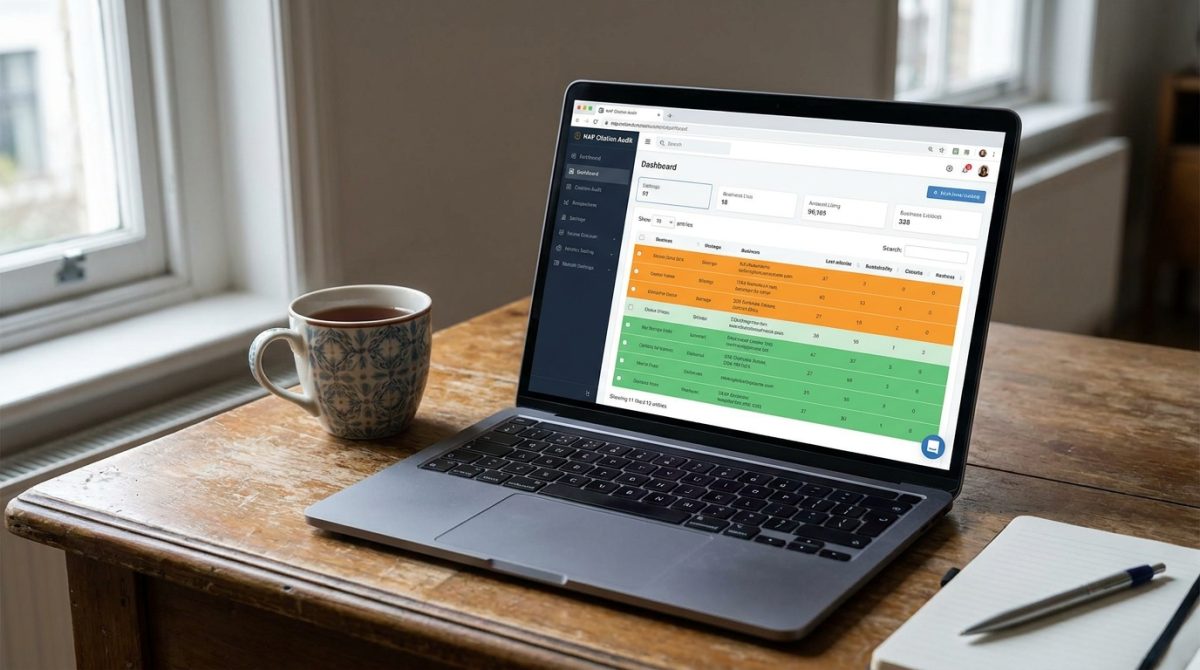
Before you start adding new listings, audit what already exists. You may have been added to directories by third parties without knowing, and some of those entries will have old phone numbers or a previous address. Use a free tool like Whitespark's NAP citation finder to see where you already appear. BrightLocal's citation audit service (from around £30 per month) gives a more thorough picture and flags inconsistencies automatically.
Once you have a clean list of existing citations, correct the inaccuracies one by one. Then set a realistic target: aim for 20 to 30 consistent citations within your first three months. That volume is sufficient to establish baseline prominence for most local markets in UK towns, without needing to spend significant time or money chasing diminishing returns.
One practical caution worth flagging: do not pay for premium listings on directories until you have confirmed the free listing is accurate. Many of Yell's premium upsells, in particular, add very little additional SEO value. Get the free entry right first, then decide whether an upgrade makes commercial sense based on the enquiries the free listing generates.
Local Keywords: Finding the Phrases Real Customers Type
Local keyword research is a different task from general SEO keyword research. Adding a geographic modifier to a phrase changes both the search volume and the competition level dramatically. 'Web designer' might be fought over by thousands of agencies nationally; 'web designer Worthing' is a much more focused contest with far fewer businesses competing for the same handful of monthly searches.
Starting with free tools
The easiest starting point costs nothing. Open Google, type your main service followed by your town name, and watch the autocomplete suggestions appear. Write every suggestion down. Then scroll to the 'People also ask' box on the results page and note those questions too. This shows you the exact phrasing real people in your area are using, pulled directly from live search data.
For actual search volume numbers, open Google Keyword Planner (free if you have a Google Ads account, even if you never run a paid campaign). Type in a handful of those phrases and set the geographic filter to your region. This will tell you whether 'boiler repair Worthing' gets 50 searches a month or 500, which matters when you are deciding how much content to build around a term.
Building three tiers of local keyword
Think of your keyword list in three layers, each serving a different purpose:
- City-level: 'web designer Worthing', 'accountant Brighton', 'plumber Chichester'. These are your highest-volume local terms and the most competitive within your area.
- Neighbourhood-level: 'web designer Findon', 'electrician Ferring', 'cleaner Goring-by-Sea'. Lower volume, but almost no competition and highly relevant to customers in those specific postcodes.
- Service-plus-county: 'bespoke website design West Sussex', 'commercial cleaning West Sussex'. Useful for capturing broader regional searches where county names appear.
Do not ignore implicit local intent phrases either. Terms like 'near me' and 'open now' are worth including in your website copy and Google Business Profile posts. Google uses the searcher's location to deliver results for these queries, so even if someone types 'electrician near me' without mentioning your town, Google maps that query to your physical area automatically.
Closing the gap on competitors
Search your main service plus your town name. Open the top three results. Then run each of those URLs through a free tool like Ubersuggest and look at which location-based keywords those pages rank for. Compare that list to your own pages. The terms your competitors rank for and yours do not are your priority opportunities, because someone has already proved those keywords convert well enough to rank for.
Before touching a single page on your site, build a short list of 10 to 15 primary local keywords. Every change you make to title tags, headings, and body copy should be guided by that list rather than instinct. Working without that list means you make edits that feel right but do not point in a coherent direction.
On-Page Local SEO: What to Change on Your Website Today
Keyword research and directory listings do a lot of the heavy lifting in local SEO, but your website itself still needs to speak clearly to Google about where you are and what you do. Most small business websites have obvious gaps here, and fixing them takes hours rather than weeks.
Title tags and footer NAP
Your homepage title tag is one of the most readable relevance signals Google has. It should state your primary service and your location clearly. Something like 'Web Design in Worthing | Samson Web Design' tells both Google and the person scanning search results exactly what you offer and where. A title tag that reads 'Welcome to Our Website' tells nobody anything useful.
Your full NAP details (Name, Address, Phone number) should appear in the footer of every page on your site, not just on the contact page. A visitor landing on a service page via a local search should not have to hunt for your address or phone number. More importantly, Google sees the footer on every page it crawls, which means your location is being reinforced across your entire site rather than in one isolated corner of it.
Location pages done properly
If you serve more than one town or area, create a separate page for each location rather than listing them all in a single paragraph. A page titled 'Website Design in Shoreham-by-Sea' can rank independently for that query in a way that a passing mention inside a broader 'Areas We Cover' section never will.
The critical rule with location pages is that each one must contain genuinely unique content. Swapping one town name for another on a copy-pasted template is thin content, and Google treats it as such. Instead, mention a local landmark nearby, reference a business park or trading estate you have worked with, or include a short case study from a client in that specific area. A Shoreham page might mention the client whose shop is near Shoreham Airport, for example. That level of specificity is what separates a page that ranks from one that sits unindexed.
Maps, schema, and internal links
Embed a Google Map on your contact page and on each individual location page. This reinforces the geographic association in Google's understanding of your site and also gives users a familiar, useful reference point when they are trying to figure out whether you are actually local to them.
Add LocalBusiness schema markup to your homepage and contact page. Schema is a free structured data format that lets you present your NAP, opening hours, and service area as machine-readable data rather than plain text. Google can read plain text, but structured data removes all ambiguity. You can generate LocalBusiness schema without any coding knowledge using free tools like Google's own Structured Data Markup Helper or Schema.org's generator. Once implemented, run the page through Google's Rich Results Test tool (also free) to confirm there are no errors before and after any changes.
Internal linking is the piece most business owners overlook entirely. Every location page should link back to your main service pages, and every service page should link to the relevant location pages. This builds a geographic relevance network that Google can crawl systematically. Without those internal links, your location pages sit as isolated islands with no authority flowing to or from them.
A practical example: if you have a 'Web Design Services' page and separate location pages for Worthing, Shoreham, and Chichester, the services page should link to all three locations, and each location page should link back to the services page. That cross-linking structure signals to Google that those location pages are a genuine part of your service offering rather than thin filler pages created to game rankings.
Getting and Managing Customer Reviews Without Being Pushy
Reviews are the single most visible signal that potential customers see before they decide to call you. They also feed directly into Google's local ranking algorithm, influencing where you appear in the Map Pack relative to competitors. Ignoring your review profile while your competitors build theirs is one of the most costly passive mistakes a local business can make.
Volume matters as much as rating. A business sitting at 4.6 stars with 80 reviews will almost always outrank a business with a perfect 5.0 stars and only 4 reviews. Google interprets a high review count as evidence of genuine, consistent trading activity. Four reviews could have been left by friends and family the week the business launched. Eighty reviews over two years tell a very different story.
The most practical way to build that volume is to ask at the right moment. Inside your Google Business Profile dashboard you will find an option labelled 'Ask for reviews' which generates a short, direct link to your review form. Copy that link and send it via text, email, or WhatsApp immediately after completing a job, while the customer's satisfaction is still fresh. Waiting three days means waiting until they have moved on to the next thing.
The message itself does not need to be elaborate. Something like: 'Thanks for choosing us. If you have a moment, a quick Google review really helps other local customers find us,' followed by the link, is enough. It is direct, it is honest about why you are asking, and it does not put any pressure on the customer to write something lengthy.
Responding to every review, within 48 hours where possible, is non-negotiable. For positive reviews, a brief, warm reply reinforces the relationship. For negative ones, acknowledge the issue publicly and offer to resolve it privately. Do not get defensive and do not ignore it. Prospective customers read negative reviews specifically to see how the business responded, and a calm, accountable reply often does more for trust than a string of five-star ratings.

When you write your replies, include natural geographic language. Phrases like 'Glad we could help you in Lancing' or 'Always happy to take on work across West Sussex' are not just warm touches. owner responses as local content are read by Google in the same way it reads your website copy, so these replies add genuine geographic relevance signals to your profile.
You can also gently steer what customers write. When you send the review request, you might add: 'Feel free to mention what we helped you with and whereabouts you are based.' A review that says 'brilliant loft conversion in Shoreham-by-Sea' does more local SEO work than one that simply says 'great service.' You are not scripting the review, you are just giving the customer a prompt that makes their response more useful to both of you.
One firm rule: never buy reviews or offer discounts in exchange for them. Google's policies explicitly prohibit incentivised reviews, and a sudden spike in review volume is a recognised pattern that can trigger a suppression penalty, pushing your profile down or removing it from the Map Pack entirely. Steady, organic growth over months is far more durable than a shortcut that puts everything you have built at risk.
Using Google Business Profile Posts to Stay Visible Week to Week
Most businesses set up their Google Business Profile and then leave it untouched for months. GBP Posts are the feature that separates businesses that use the platform actively from ones that treat it as a static listing. Posts are short updates of up to 1,500 characters that appear directly on your Knowledge Panel and inside Google Maps, reaching people who are already searching for you or something close to what you do.
Posting at least once a week keeps your profile appearing active and current. Google has confirmed that recent posting activity feeds into profile completeness scores, and a profile that has not been updated in two months looks less reliable to both the algorithm and the potential customer reading it.
The content does not need to be elaborate. The formats that tend to work best for local businesses include:
- Limited-time offers with a clear call to action and a deadline, so the reader has a reason to act now
- Photos of completed local work, which act as both social proof and geographic signals
- Answers to questions customers frequently ask before booking, saving them a phone call
- Local event attendance or community involvement, which builds the sense that yours is a business embedded in the area
The phrasing matters. A post that reads 'We've just finished a full kitchen refit for a family in Broadwater, Worthing. Here's how it turned out.' does considerably more work than a generic 'We love our customers' update. You are using your local keywords naturally, you are showing evidence of real work, and you are signalling geographic relevance, all in two sentences.
One thing to be aware of: standard GBP Posts expire after seven days and drop off the visible panel. Only the Offer and Event formats remain live until their specified end date. Build a recurring weekly reminder into your calendar or task manager so posting does not slip during busy periods. Consistency matters more than the quality of any single post.
Use the Insights tab inside your GBP dashboard to track which posts generate the most clicks through to your website. If posts about completed local jobs consistently outperform promotional posts, that tells you something concrete about what your local audience responds to. Double down on what works rather than guessing.
Hyperlocal Content and Backlinks That Prove You Belong in the Area
Backlinks, meaning other websites linking to yours, remain one of the strongest ranking signals in SEO. For local search specifically, a backlink from a relevant local organisation carries more weight than a generic link from a high-authority national site. The reason is simple: local links reinforce geographic relevance in a way that a link from a national aggregator cannot replicate. Google is trying to understand whether your business is genuinely active in the area, and a link from a local council page or a regional newspaper answers that question directly.
Start with the sources most accessible to any UK small business. Your local chamber of commerce almost certainly offers a member listing, often free or available for a modest annual membership fee that pays for itself many times over in SEO value alone. Local council websites in areas like Adur and Worthing frequently maintain business directories or community resource pages that accept listings. Regional news sites such as the Worthing Herald are another strong target, particularly if you have a genuine story to tell.
Sponsoring a local sports club or a charity event is one of the most efficient local link-building tactics available to a small business. The fee is typically modest, the goodwill in the community is genuine, and the club or event organiser will almost always list sponsors on their website with a link back to yours. That link sits on a site with a clear, verifiable local address and a real community audience, which is exactly the kind of signal Google trusts.
On the content side, locally-focused blog posts that answer questions people in your area are actually searching for are worth the investment of time. A post titled 'Planning permission changes affecting West Sussex homeowners in 2025' or 'Best coworking spaces in Worthing' targets real search demand, attracts local readers, and gives other local websites something worth linking to. Generic content gets ignored. Content that is specific to a place and genuinely useful gets shared and linked to by local bloggers, Facebook community groups, and other local businesses.
Press releases are underused by small businesses but genuinely effective for earning local backlinks. Many regional UK news outlets, including hyperlocal sites and council-supported community news pages, will cover real business stories. Opening a new location, completing a significant local project, hiring staff from the community, or contributing to a local cause are all legitimate stories. A short, factual press release sent to the local news editor costs nothing and occasionally earns a mention with a link on a domain that Google considers highly trustworthy for your geographic area.
Collaborative link-building with complementary local businesses is another route that gets overlooked. A florist and a wedding venue in the same town share an audience but do not compete. A guest post on the venue's blog about choosing flowers for a venue's style of space, with a link back to the florist's site, benefits both parties. The same logic applies to a personal trainer and a local health food shop, a letting agent and a removals company, or an accountant and a business coach. The key requirement is that both businesses serve the same geographic area and the same type of customer.
To keep track of how your local backlink profile is developing, use Ahrefs' free backlink checker or the free tier of Moz Link Explorer. Neither requires a paid subscription for basic monitoring. Run a check monthly, look for new links pointing at your site, confirm they are from legitimate local sources, and identify any low-quality or spammy links that may have appeared. If you find links from unrelated foreign directories or link farms, you can submit a disavow file through Google Search Console to tell Google to ignore them.
The underlying principle across all of this is consistency of place. Every local link, every locally-focused blog post, every mention in a regional publication adds another data point confirming that your business operates in a specific area and serves a specific community. That accumulation is what separates businesses that dominate their local Map Pack from those that wonder why they cannot break through despite having a good website and strong reviews.
Measuring What Is Working and Knowing When to Get Help
All the steps covered in this article only pay off if you can tell whether they are actually working. The good news is that the two most important measurement tools cost nothing and take under an hour to set up.
Set Up Google Search Console in Week One
Google Search Console is free, and connecting it to your website should happen before you change anything else. Once verified, it shows you the exact search queries that are sending people to your site, how many times each query appeared in results (impressions), and how many clicks it earned. Filter by queries that include your town or service area and you will quickly see which local phrases are already working and which ones have impressions but no clicks, meaning your listing is appearing but not compelling enough to click through.
Set this up before you start making on-page changes. That way you have a genuine baseline and can measure real improvement rather than guessing at it months later.
Track Four Core Metrics in Google Business Profile Every Month
Inside your Google Business Profile dashboard, the Insights tab gives you four numbers worth checking on the same date each month:
- Searches: how many times your profile appeared in results
- Profile views: how many people actually looked at it
- Website clicks: how many visitors arrived at your site from the profile
- Direction requests: how many people asked Google Maps to route them to you
Direction requests deserve special attention. Someone asking for directions is not casually browsing; they are planning a visit. If that number is growing month on month, your local SEO is producing real-world foot traffic, not just digital noise. Record these figures in a simple spreadsheet so you can spot trends rather than reacting to single-month blips.
How Long Should You Actually Wait for Results?
In a competitive UK town, realistic timelines look like this: three to six months for meaningful movement in Local Pack rankings, and six to twelve months before you see a sustained increase in leads or enquiries. Local SEO is not a switch you flip. It is more like painting a fence; the results compound over time as your profile matures, your citations accumulate, and your reviews build social proof.
This is why the month-one baseline matters so much. Without it, a business that moves from position eight to position four after five months might conclude nothing has changed, simply because they have no record of where they started.
When to Recognise You Need Professional Support
Most small businesses can make strong progress by working through the steps in this article consistently. But there are clear signals that professional help will move things faster and more reliably.
- You have followed every step here and your Local Pack position has not shifted after four months of consistent effort.
- You are operating in a highly competitive sector, such as solicitors, dentists, or estate agents in a large city, where established competitors have hundreds of reviews and years of citation history behind them.
- Google Search Console is flagging technical issues on your site, crawl errors, mobile usability problems, or slow page speeds, that you cannot confidently resolve yourself.
- You are spending time on SEO tasks each week but have no clear picture of whether any of it is translating into enquiries or bookings.
A local web design and digital marketing agency can do several things at once that take months to do piecemeal on your own. A proper audit will surface technical on-page problems that quietly suppress rankings. Experienced teams can build citations across dozens of relevant UK directories in a fraction of the time it takes to do it manually. They can also run targeted local PPC campaigns on Google Ads to generate leads while your organic rankings are still climbing, so you are not sitting on zero visibility for six months waiting for SEO to kick in.
The practical starting point is this: spend the next two weeks setting up Search Console, recording your GBP baseline metrics, and checking whether your NAP details are consistent across the main UK directories. Those actions cost nothing except time and will immediately show you where the gaps are. If you hit a wall, or simply want results faster than DIY local SEO allows, get in touch with an agency that knows the UK market and can show you exactly what they will do and how they will measure success. That conversation is far more useful than spending another four months hoping something changes on its own.


